

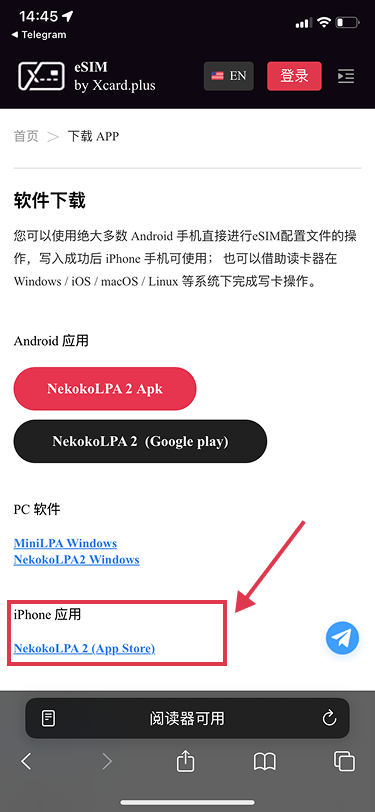
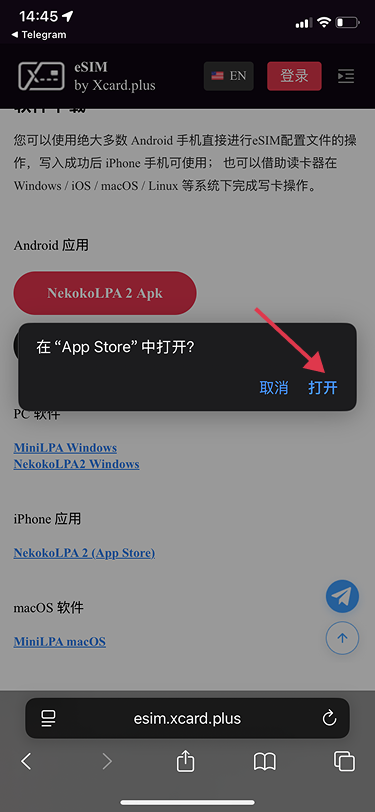
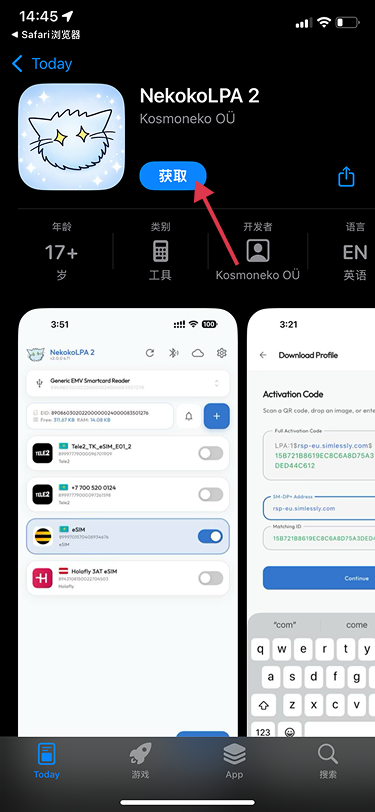
1. Download & Install https://esim.xcard.plus/en/down.html )
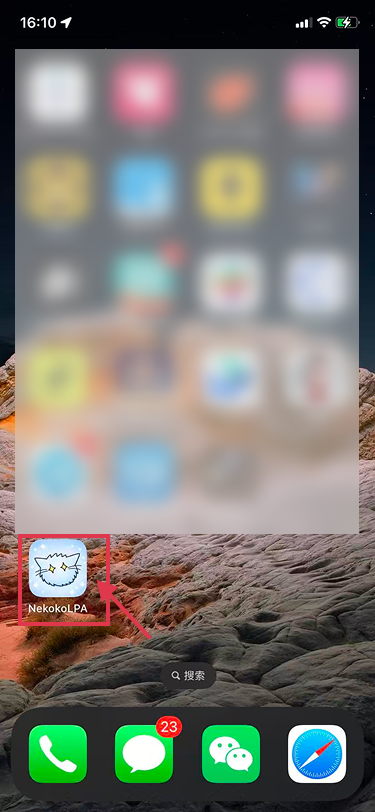
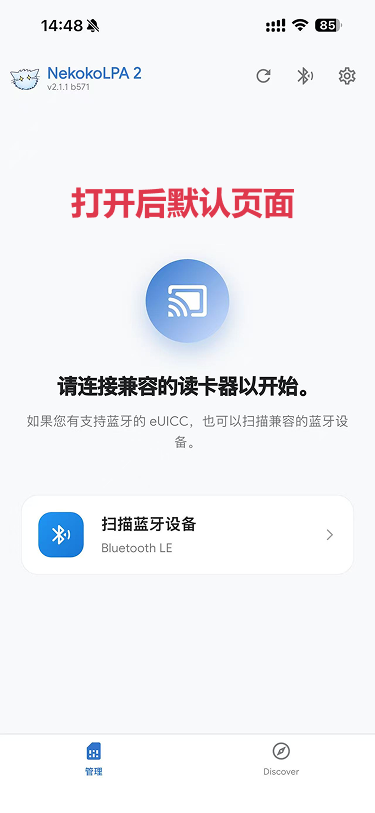
2. Open the app
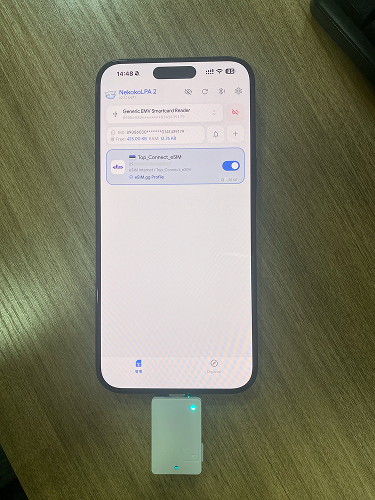
3. Plug the card reader into your phone.
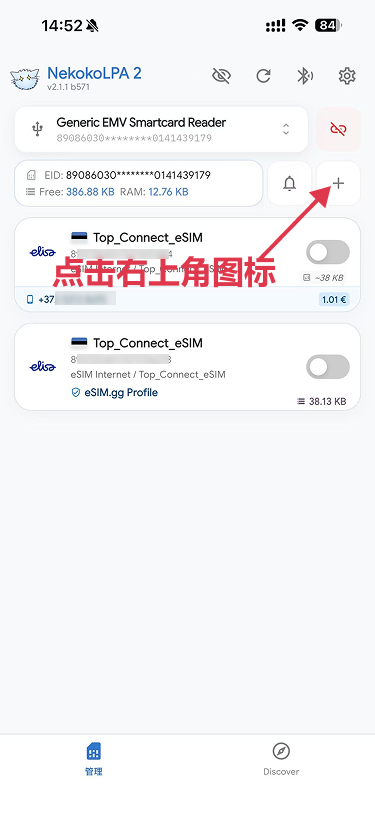
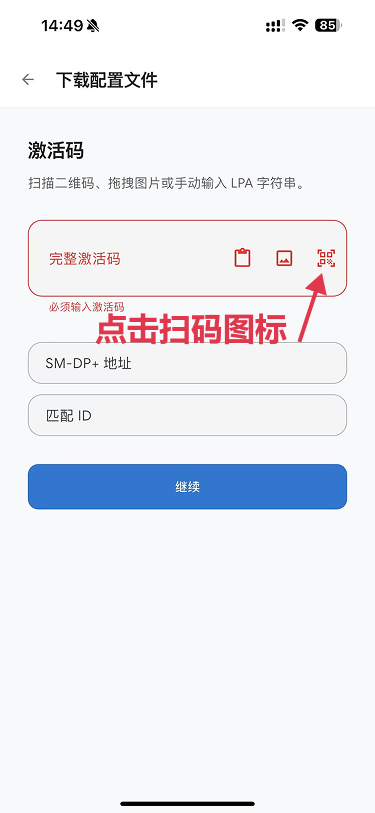
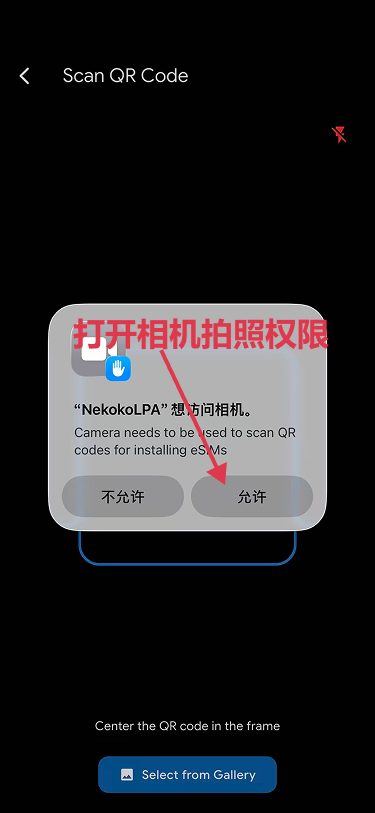
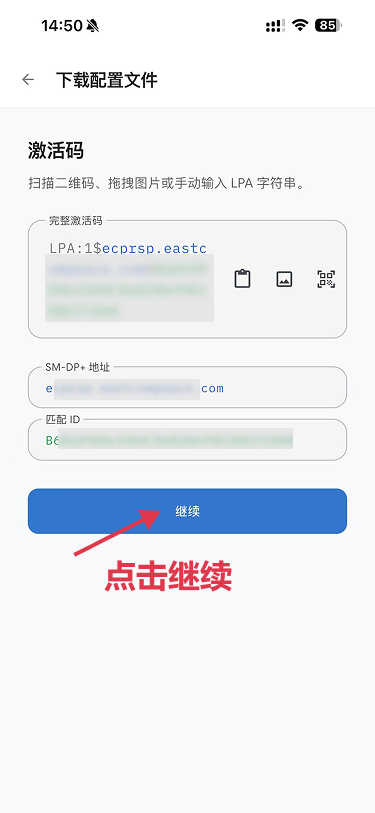
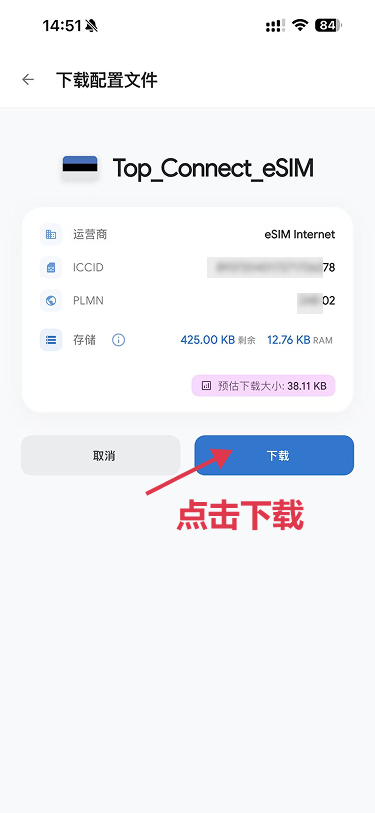
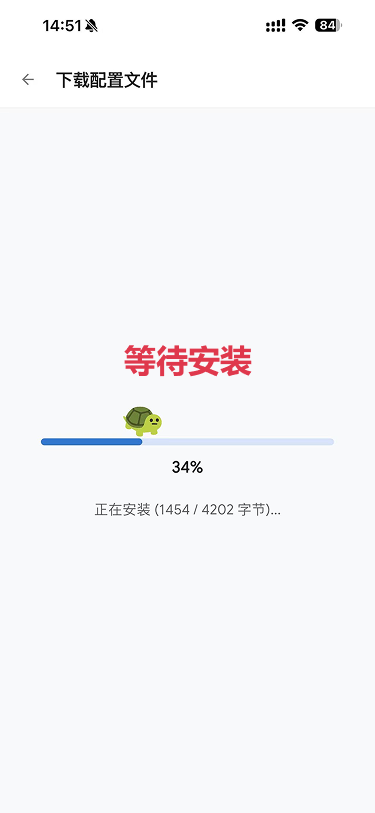
4. Download profile to the blank card: Scan the QR code or enter the LPA code.
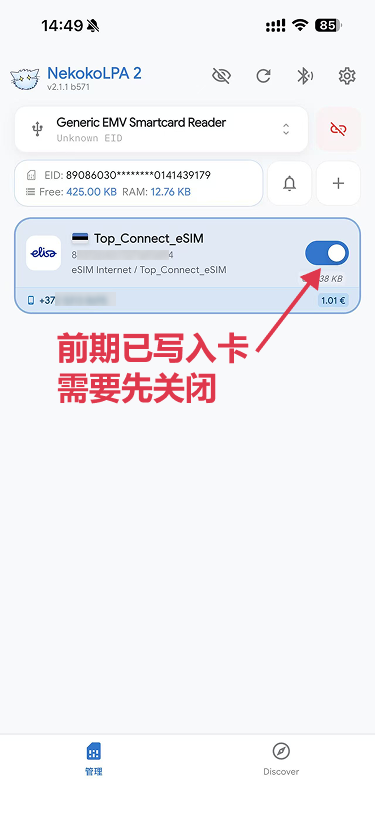
Noted:Please disable any active pre-existing profiles before downloading a new one.
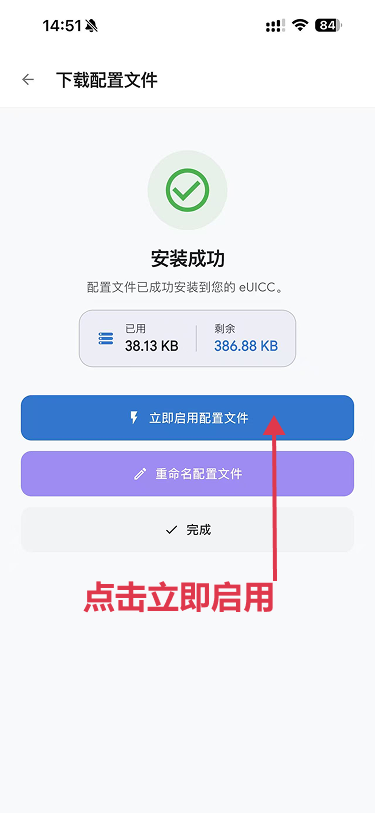
5. Insert eSIM card into phone and use.
If you want to switch the eSIM profiles on iOS, please read [iPhone eSIM Physical Card User Guide].
