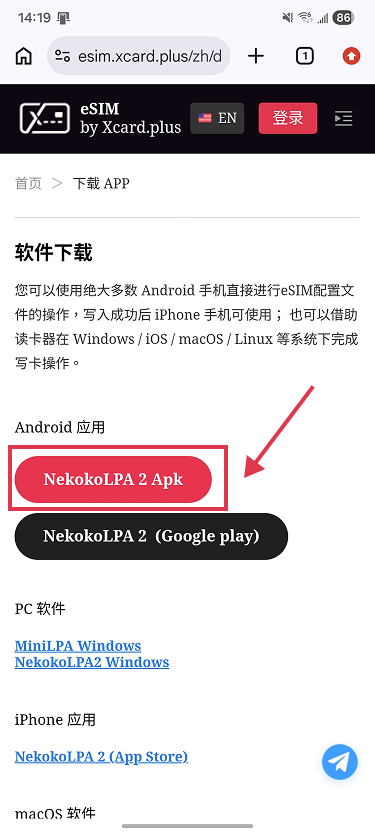
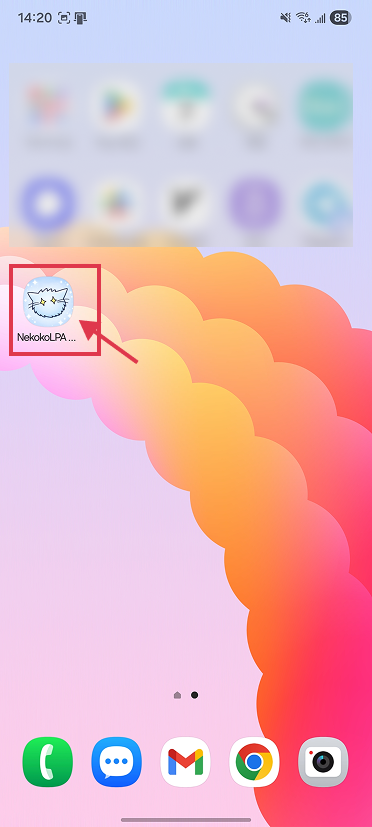
1. Download & Install(https://esim.xcard.plus/en/down.html)
2. Insert your physical eSIM card into your device's SIM tray
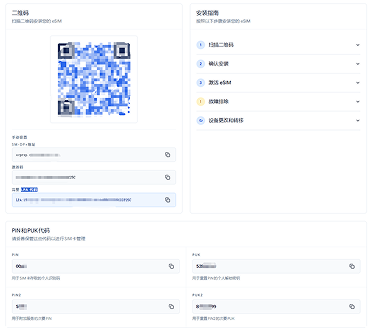
Purchase an eSIM plan from your carrier to obtain the activation QR code or LPA string (often delivered via email).
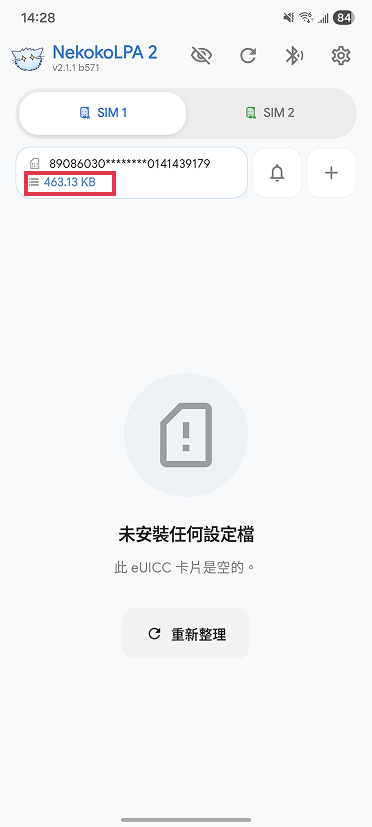
4. Open the app and check card details
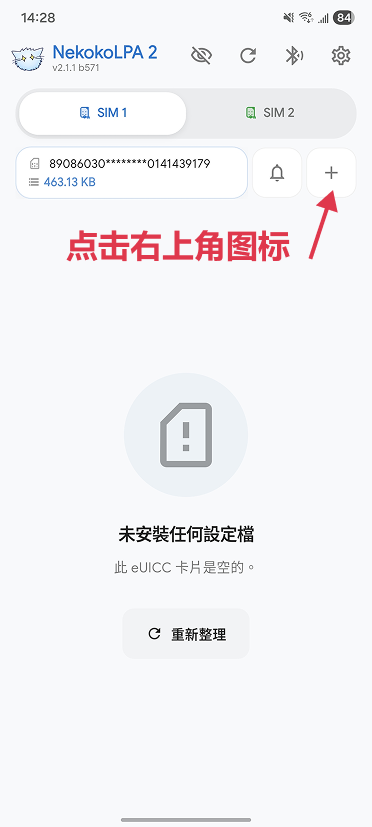
5. Download the profile: Scan the QR code or enter the LPA code.
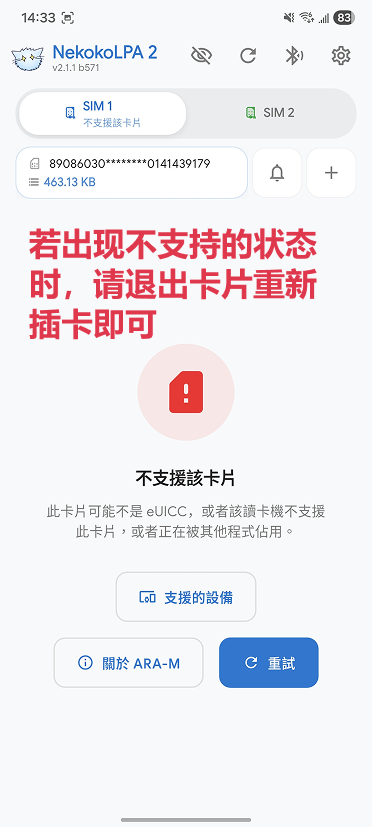
( If the card is not supported, please re-insert it.)
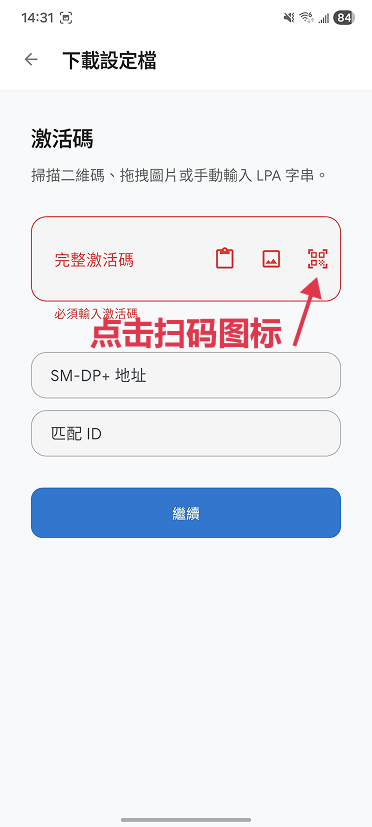
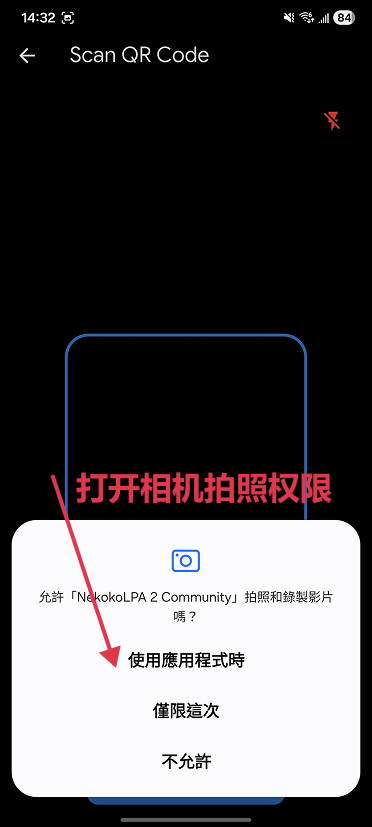
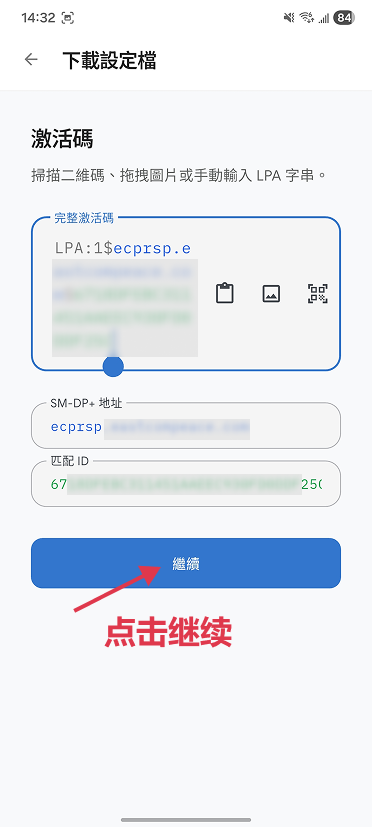
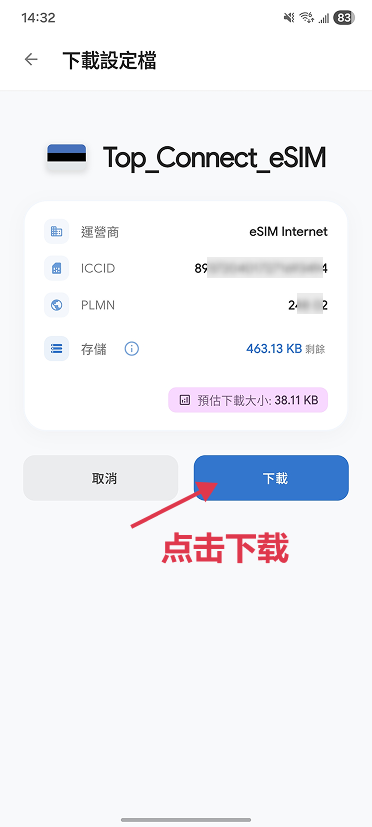
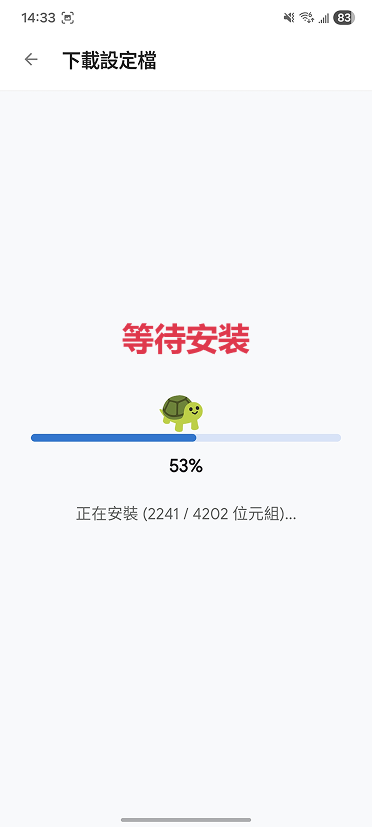
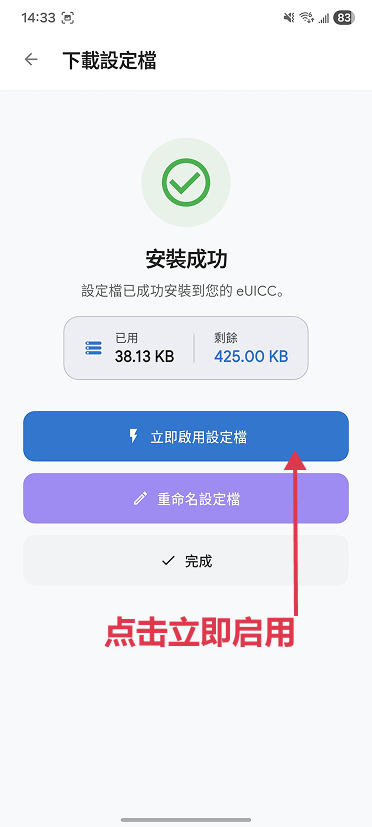
6. Enable the downloaded profile
(If activation hangs, please restart the app to try again.)
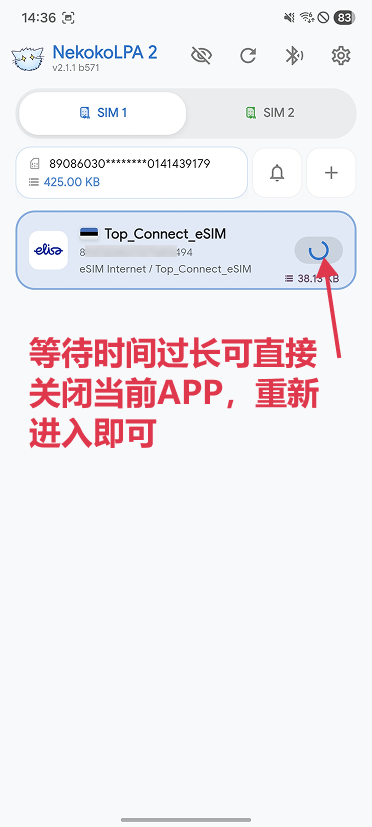
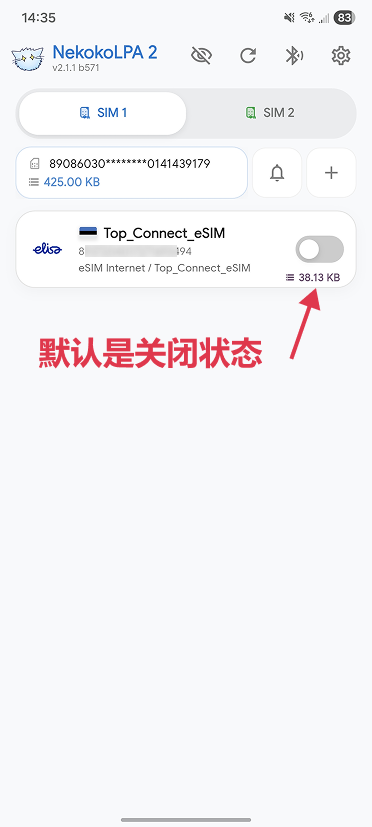
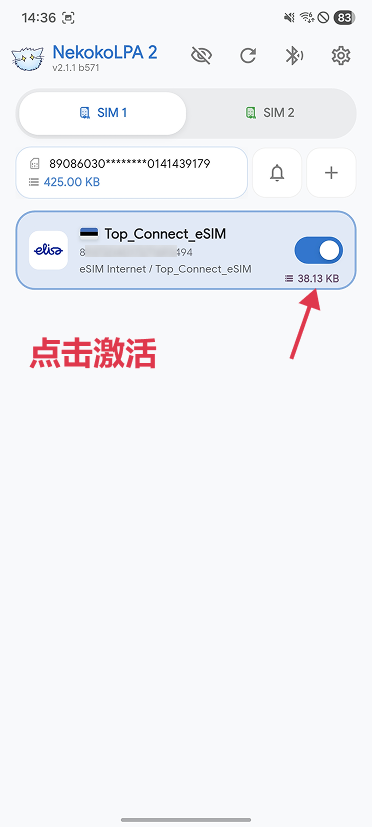
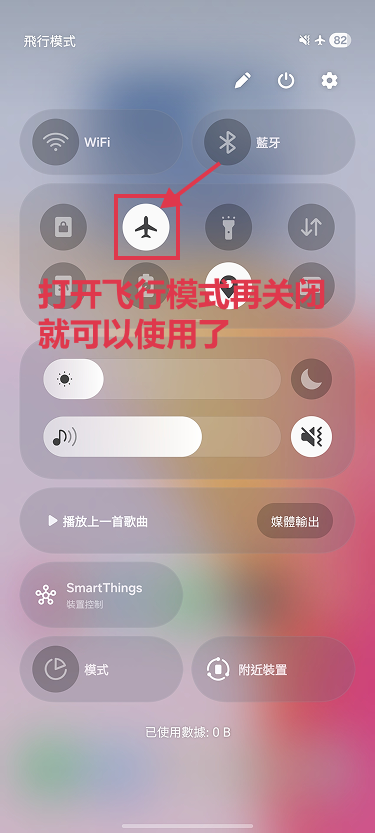
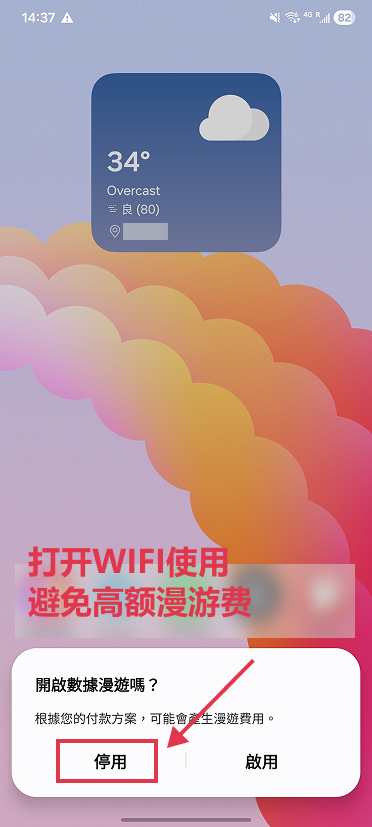
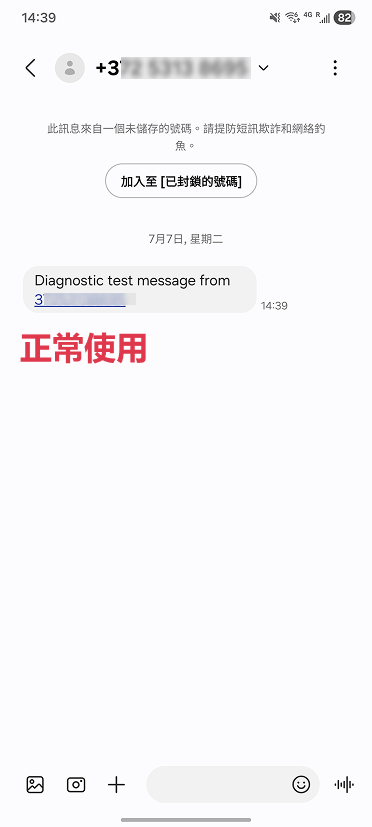
7. Toggle Airplane Mode on and off to initialize your eSIM data connection.
Noted:Only one eSIM profile can be active per card at a time.